Your garden companion, in your pocket.
Scan, care and shop in one place. Download it for Android today; the Google Play and App Store listings are coming soon.
Android download · App stores coming soonThree things it does for every plant.
These are real screens from the preview, shown with sample plants.
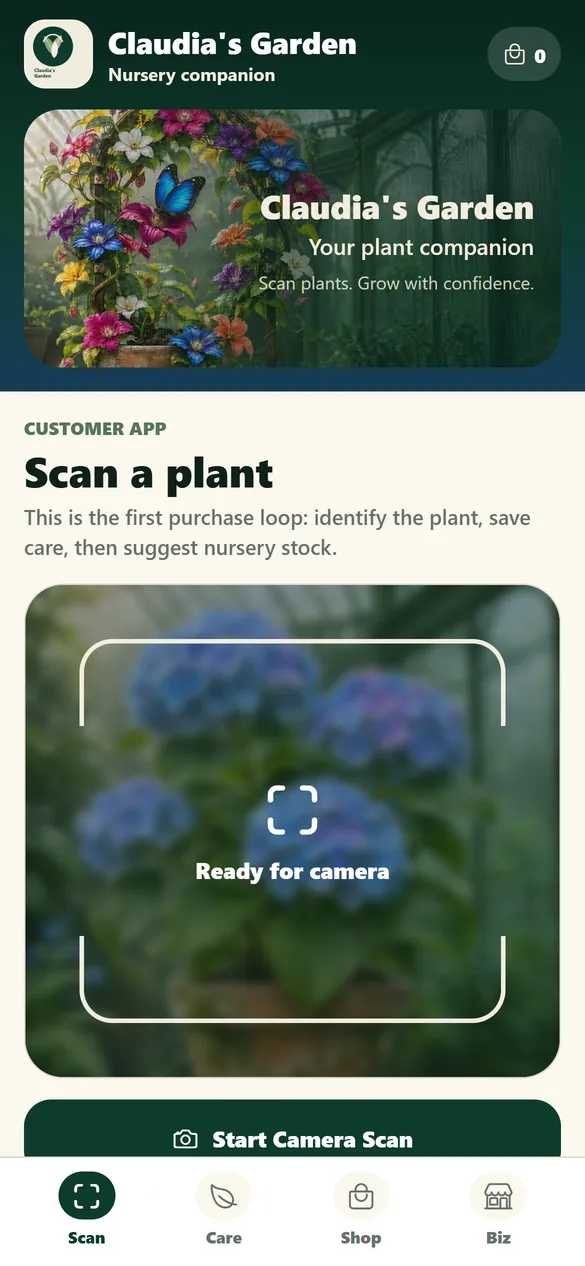
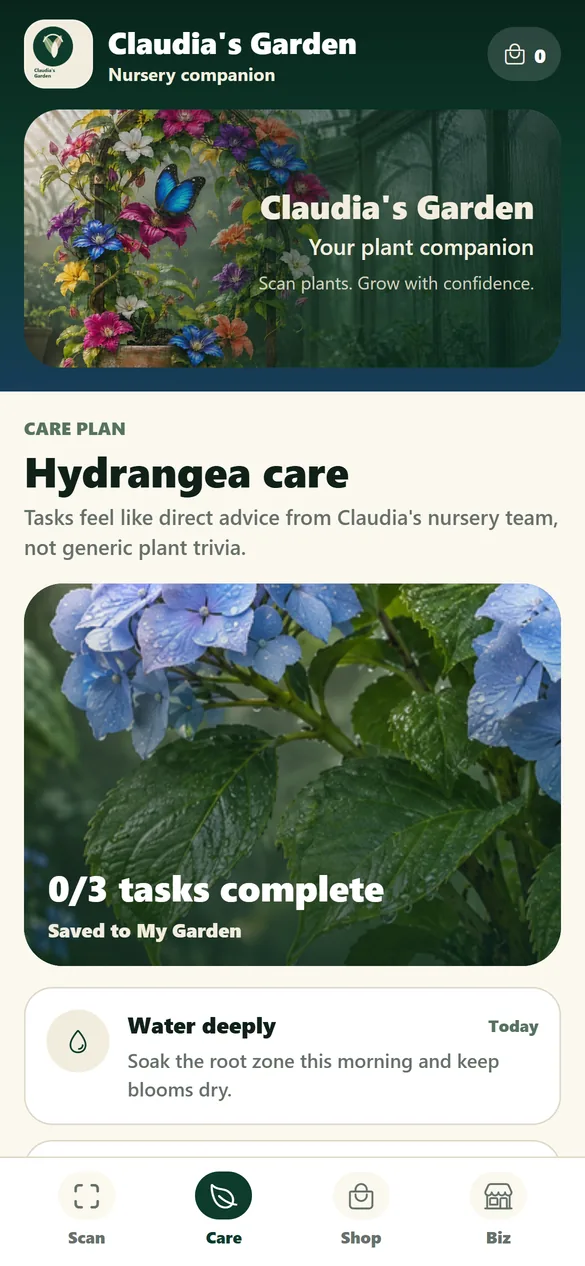
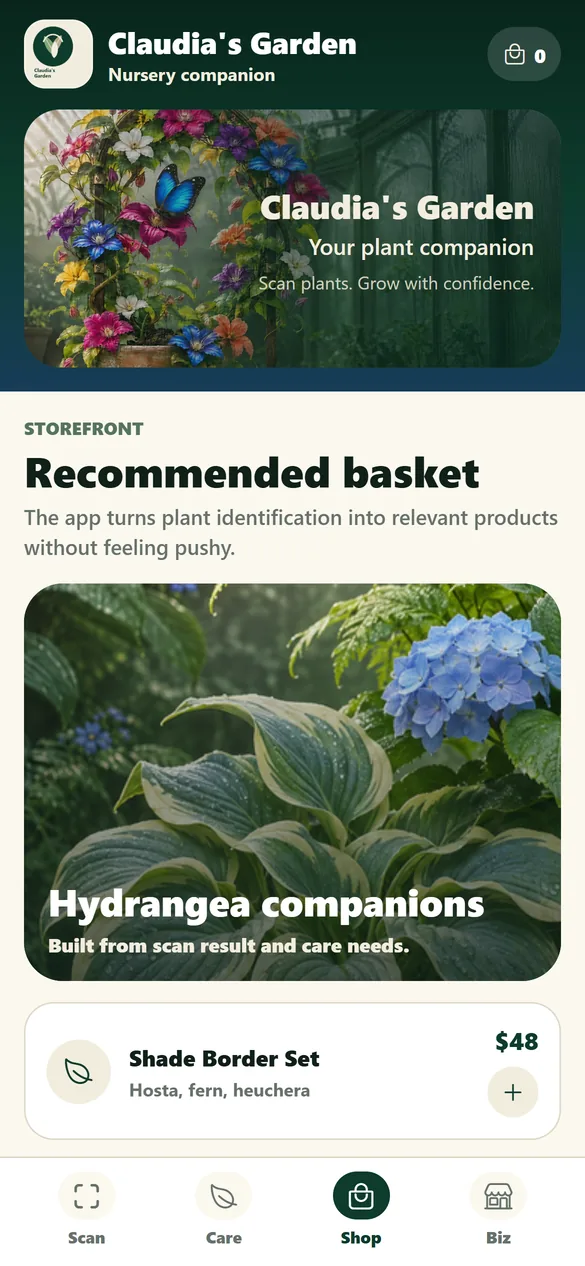
Claudia's Garden on your phone.
Android phones and tablets can download it right now. The Google Play and App Store listings are coming soon.
Android: coming to Google Play
iPhone & iPad: coming to the App Store
Android
Phones and tablets. Download the app straight from this site; Google Play is coming soon.
iPhone and iPad
Until the App Store listing opens, use the web app in Safari and add it to your Home Screen. It opens like an app.
In your browser
The web app runs in any modern browser on your phone or computer.
Installing on Android (direct download)
- Download it on the device. Open this page on your Android phone or tablet and tap “Download for Android”. The file is called claudias-garden.apk.
- Allow installs from this browser. When you open the file, Android asks whether your browser (Chrome, for example) may install apps. Tap Settings, turn on “Allow from this source”, then go back.
- Install, then switch it back off. Tap Install. Once the app is on your home screen, you can turn that permission off again.
Google Play Protect may offer to scan the app, because it did not come from the Play Store; letting it scan is fine. If nothing opens after the download, find the file in your Downloads (the Files or My Files app). Android tablets install it the same way.
iPhone and iPad: add the web app to your Home Screen
- Open the web app in Safari. On your iPhone or iPad, go to claudias-garden.com/app.
- Tap Share. It is the square with an arrow pointing up, at the bottom of the screen (top right on iPad).
- Choose “Add to Home Screen”, then tap Add. Claudia's Garden now opens from its own icon, like an app.
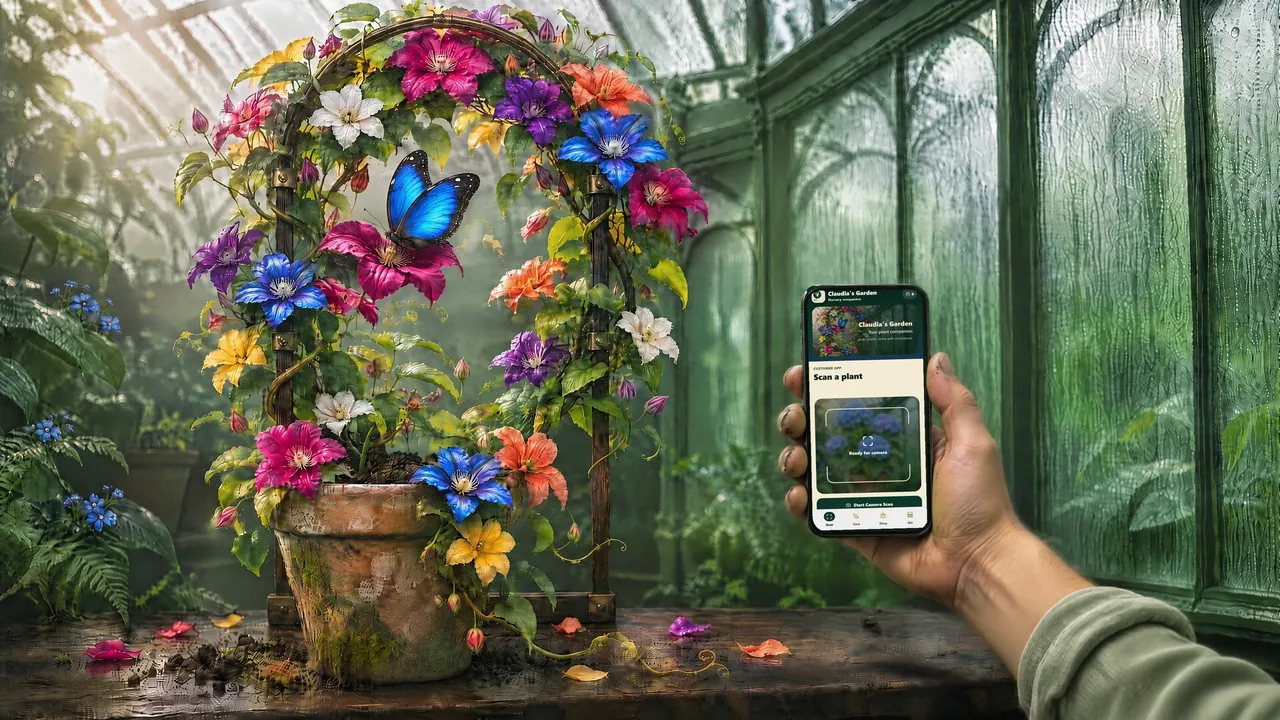
For the windowsill and the whole back garden.
Whether you are rescuing one houseplant or planning a border, the app meets you where you are, and the garden centre down the road can use it too.